Copy The Dottie Instructions
Download the complete instruction file. This contains Dottie’s project-knowledge rules, boundaries, and source standard.
The private customer version includes the download, support access, and live installation checklist. This page shows the full experience.
Download the complete instruction file. This contains Dottie’s project-knowledge rules, boundaries, and source standard.
Open ChatGPT, create a new Project, name it Dottie, and paste the full instruction file into the Project instructions.
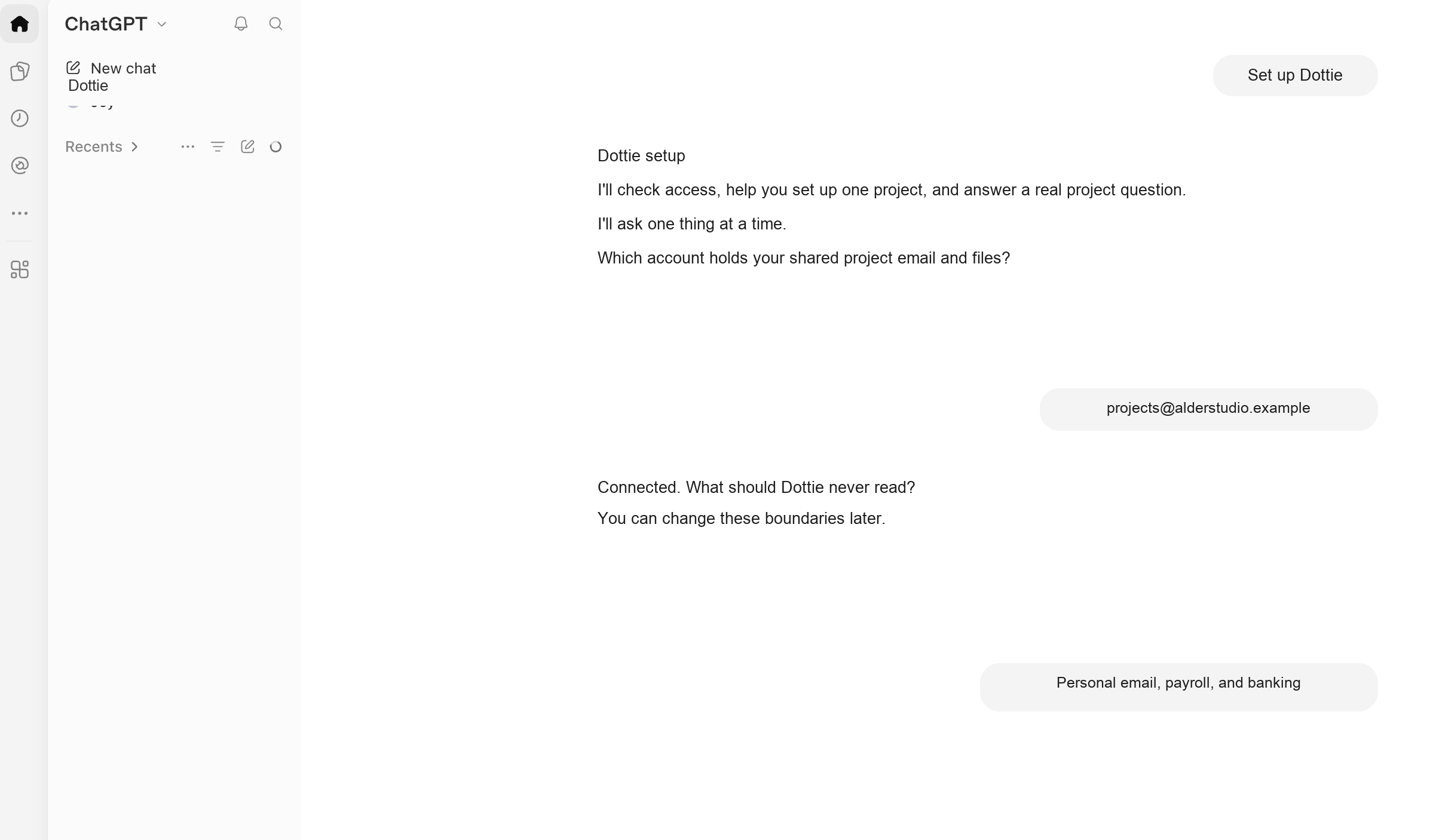
Open a new chat inside the Dottie Project and use the first command. Dottie will take it from there, one question at a time.
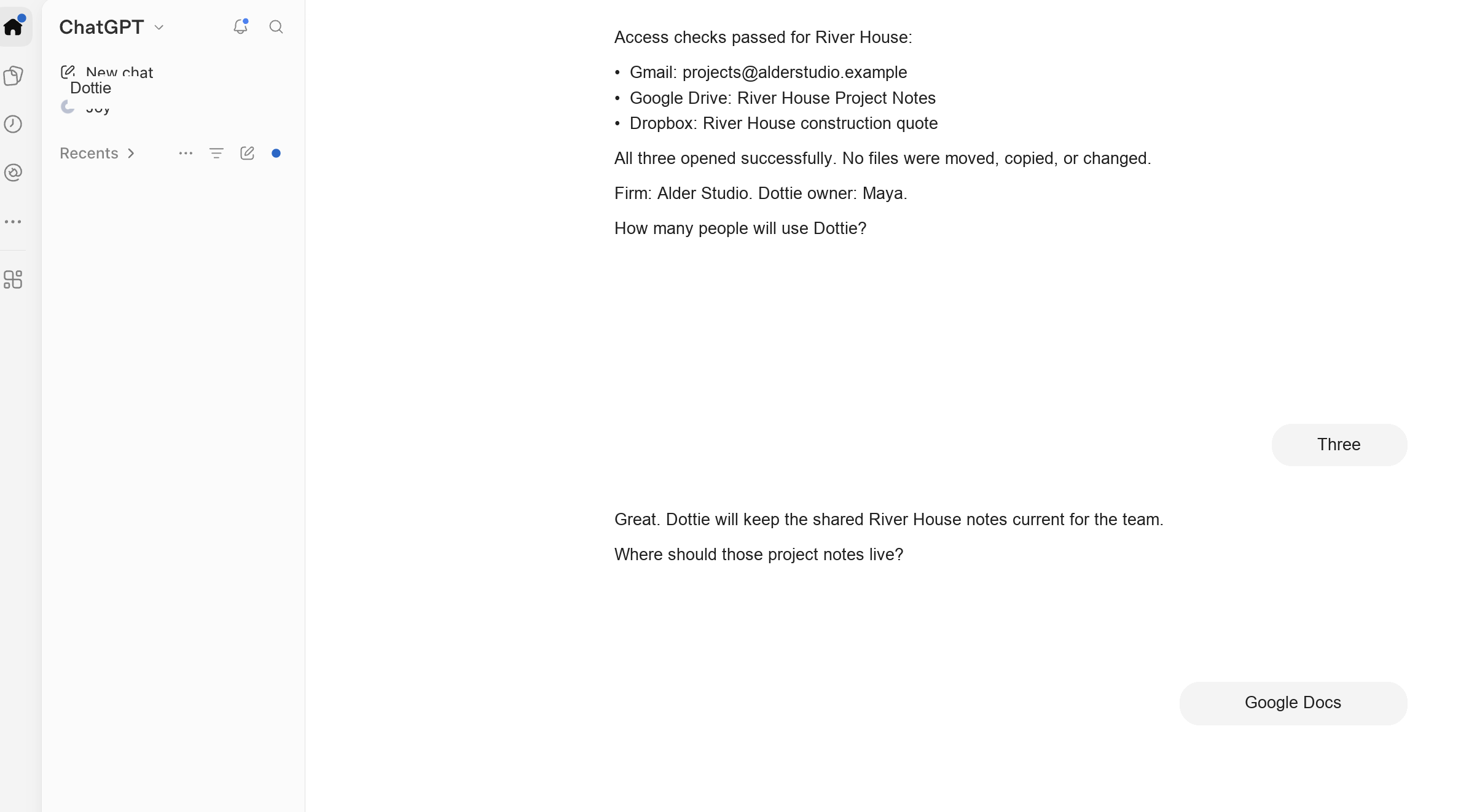
Set up Dottie for project knowledge.Dottie checks the accounts she can actually open, then asks what must remain off-limits before reading project content.
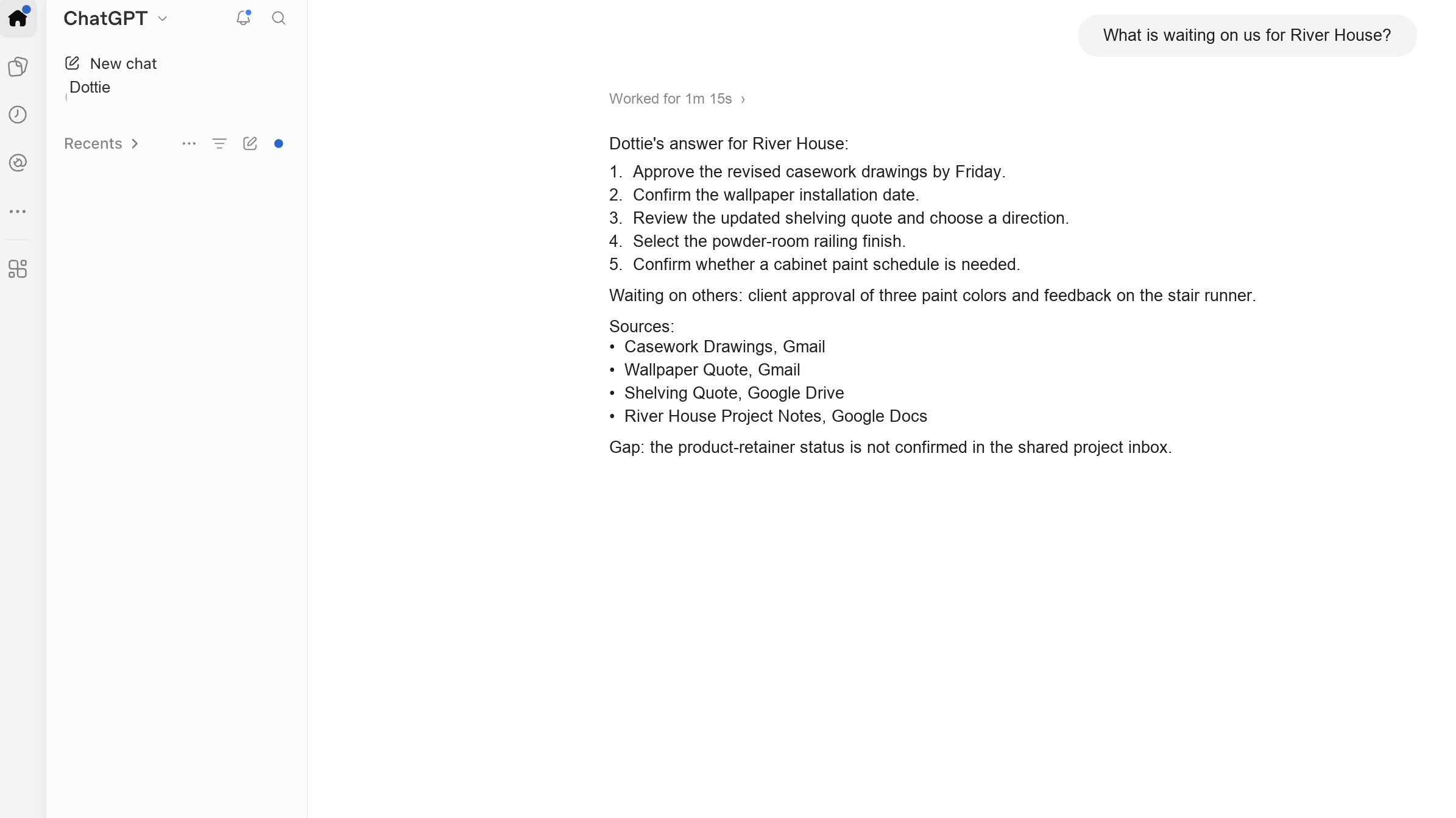
Use a current project question such as “What is waiting on us?” Open one source and confirm that the answer matches what you know.