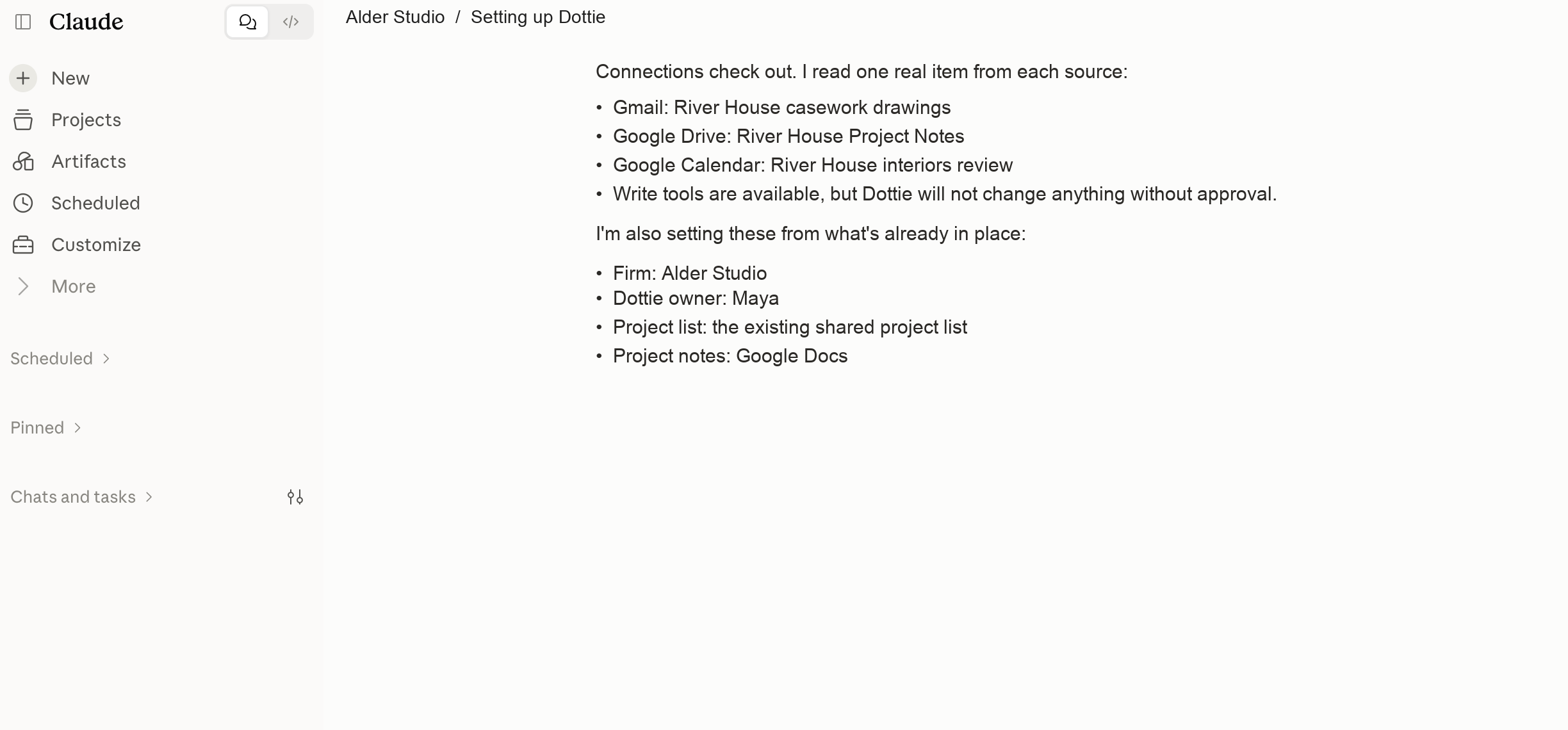
Download The Dottie Package
Keep the ZIP file intact. The package contains Dottie’s skill instructions and the supporting references Claude needs.
The private customer version includes the skill package, support access, and live installation checklist. This page shows the full experience.
Keep the ZIP file intact. The package contains Dottie’s skill instructions and the supporting references Claude needs.
Open Claude’s customization area, add the Dottie skill package, and start a new chat in the workspace where your approved project sources are connected.
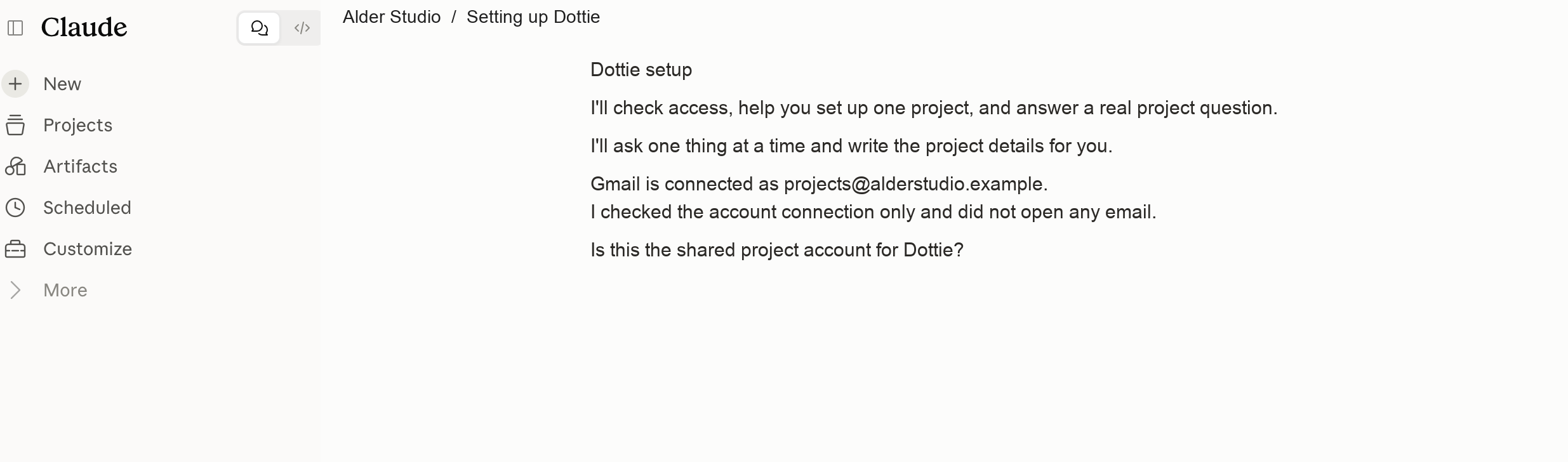
Use the first command. Dottie will confirm the workspace, connected account, and project-knowledge purpose before she continues.
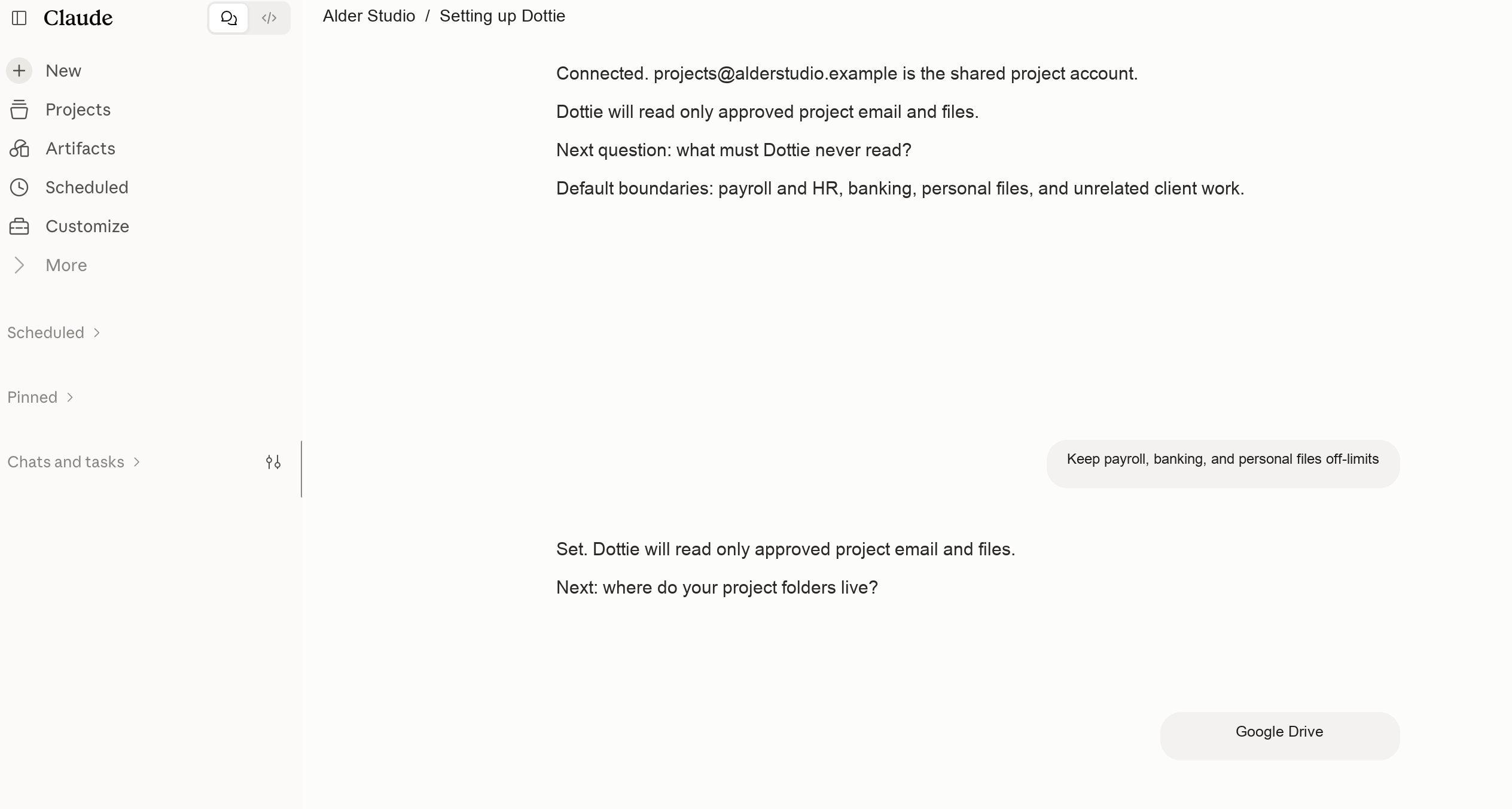
Set up Dottie for project knowledge.Dottie tests the connected project sources and records the information she must never read.
Ask a real project question, open one source, and confirm the answer. If something does not match, Dottie names the gap instead of bluffing her way through it.